Loops as starting points
Audition parts and build an arrangement around the idea. Loop playback and timing are key areas of the beta checklist.
THE TRACKLIGHT WORKFLOW
A place to capture the part, shape the performance, and build the arrangement around it.
Try it in the beta ↗01 / CAPTURE
Record audio tracks and build a session around your own instruments and voice. Keep the arrangement visible as the song grows.
02 / SHAPE
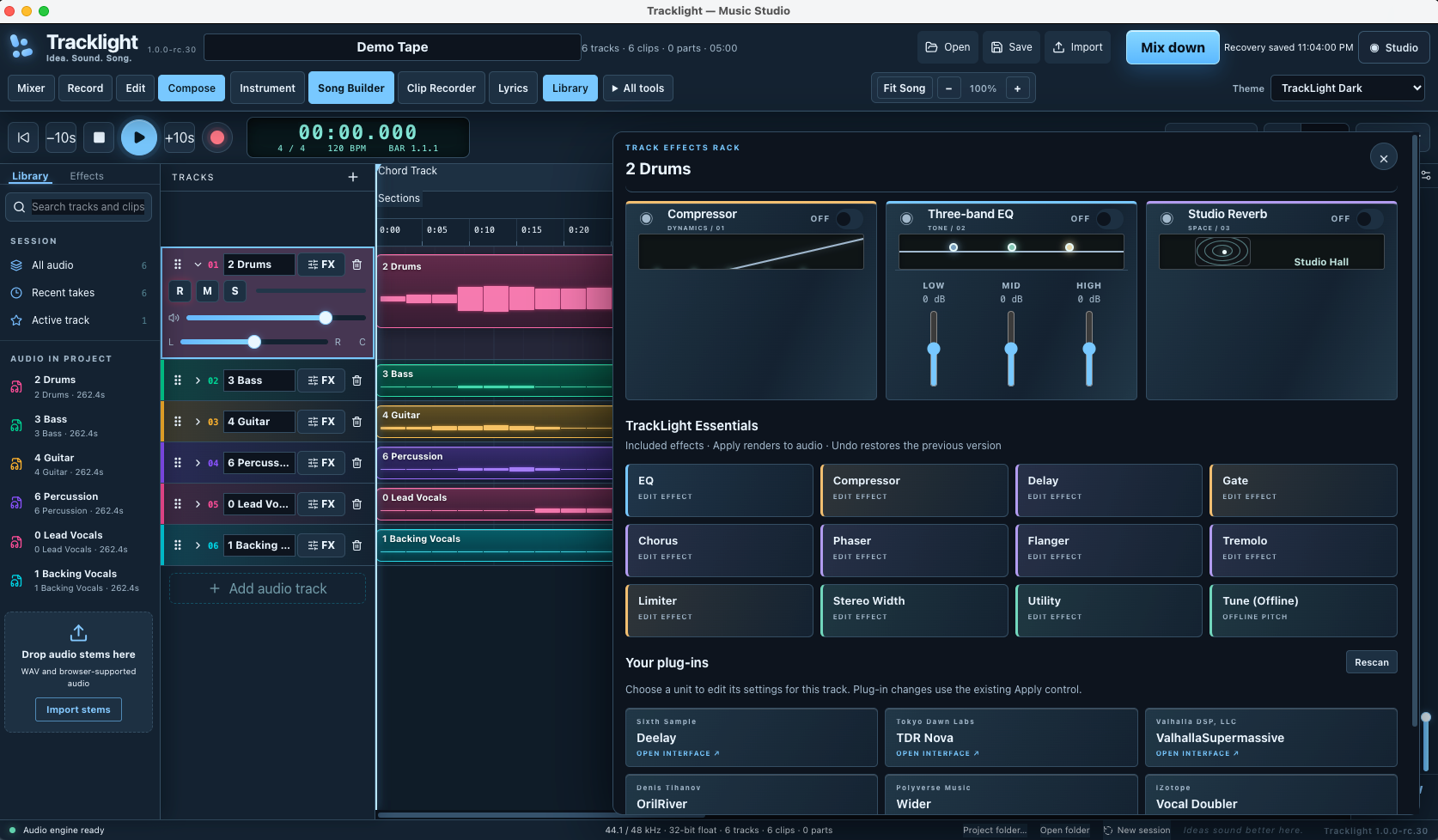
The waveform editor brings zoom, selection and preview together. Mute a section or shape it with fades, then apply the result back to the clip.
03 / PLAY
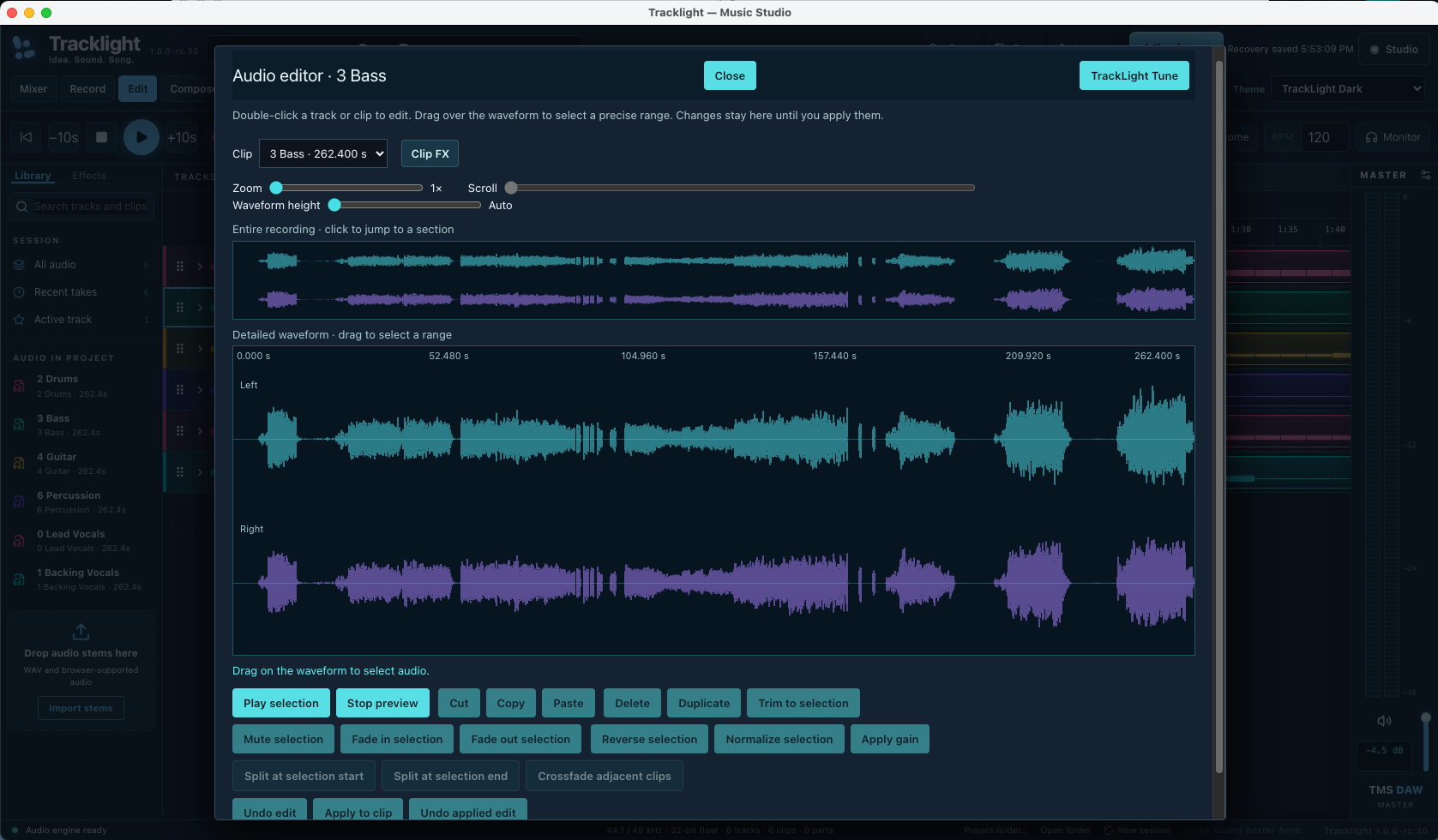
Use MIDI and supported VST3 instruments as part of the session. Instrument behavior and timing are important parts of our real-system beta testing.
04 / BUILD
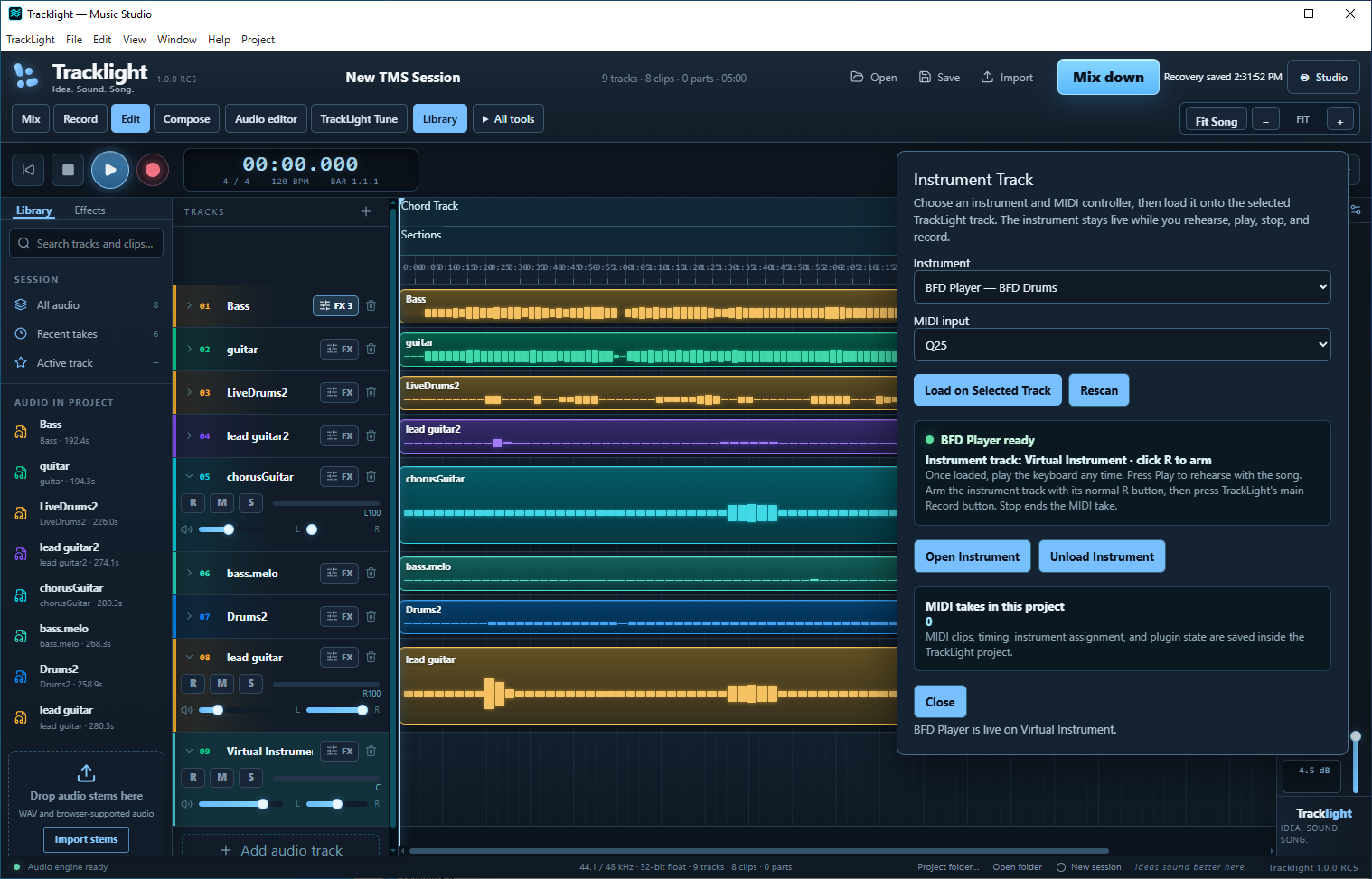
Audition parts and build an arrangement around the idea. Loop playback and timing are key areas of the beta checklist.
Keep your words within the music-making workspace as the verse, chorus and performance develop.
Develop the structure alongside the tracks. See the roadmap for upcoming improvements to loop arrangement and undo.
05 / FINISH
Balance the tracks, shape the sound with effects, and export a mix. Our beta checklist includes comparing live playback with exported audio.
Recording is only the start. Save, reopen, edit, play and export are all part of the TrackLight testing program.
See how to participate →